1Play with your group
One QR.
Everyone's in.
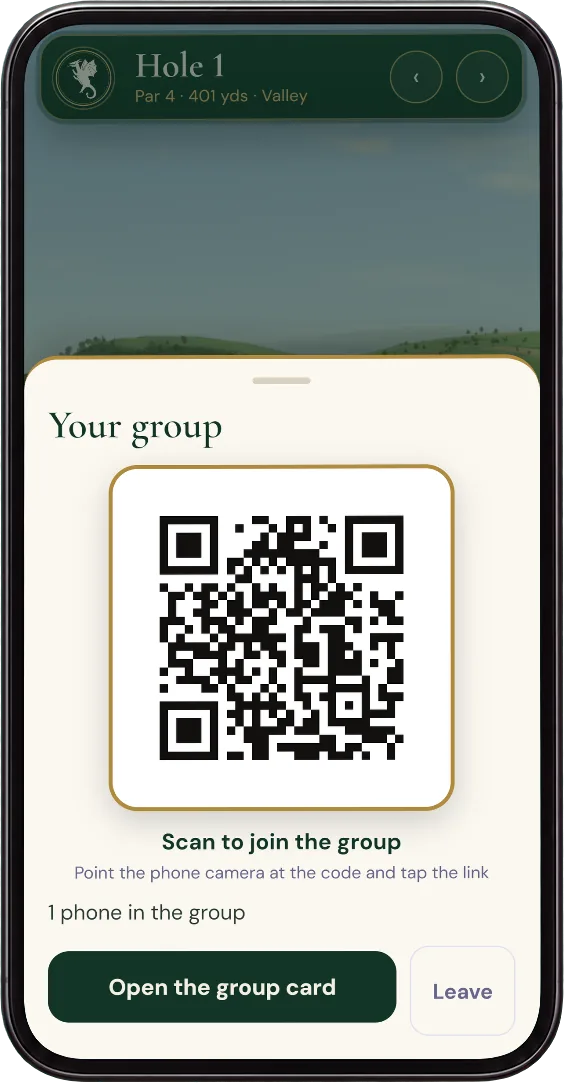
One of you taps Play with your group and makes a QR. The rest scan it with their camera, and you're all on one card.
POW3D Golf · by Summit3D
Every hole of your course, built in 3D on the real ground and opened from a QR code at the first tee. In your club's colours, with a screen in the office and your course on the clubhouse TV.
Scroll to fly hole 3
Never played it?
Every hole, every bunker
Wyvernhurst, our demo course · rendered flight
Your golfers scan a QR at the first tee and the course opens in their phone's browser. Nine things they'll use, hole after hole.
One of you taps Play with your group and makes a QR. The rest scan it with their camera, and you're all on one card.
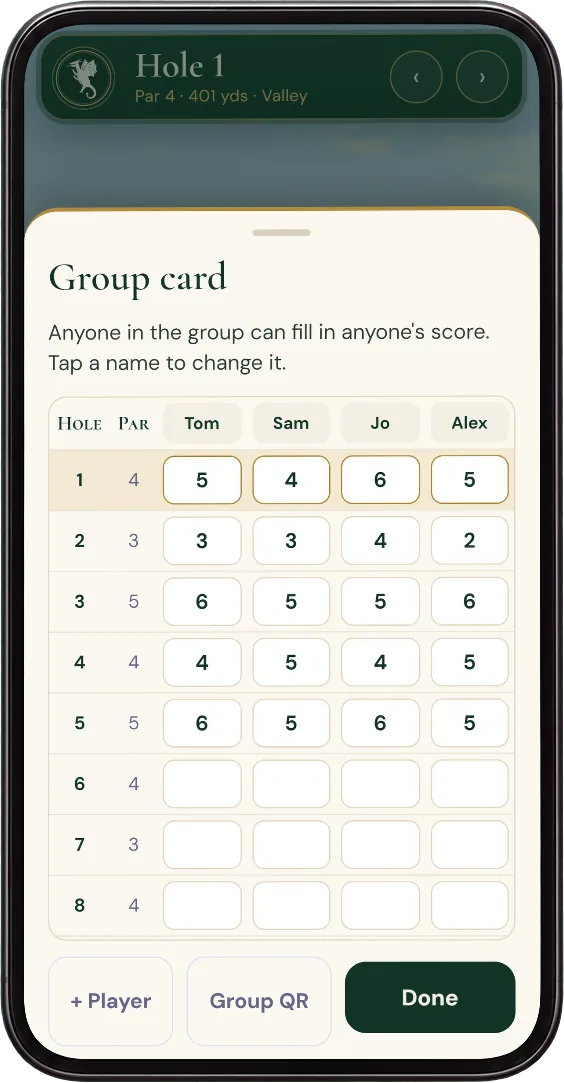
Tap a box, put the score in. Anyone in the group can fill in anyone's, and you can add a player who hasn't got a phone.
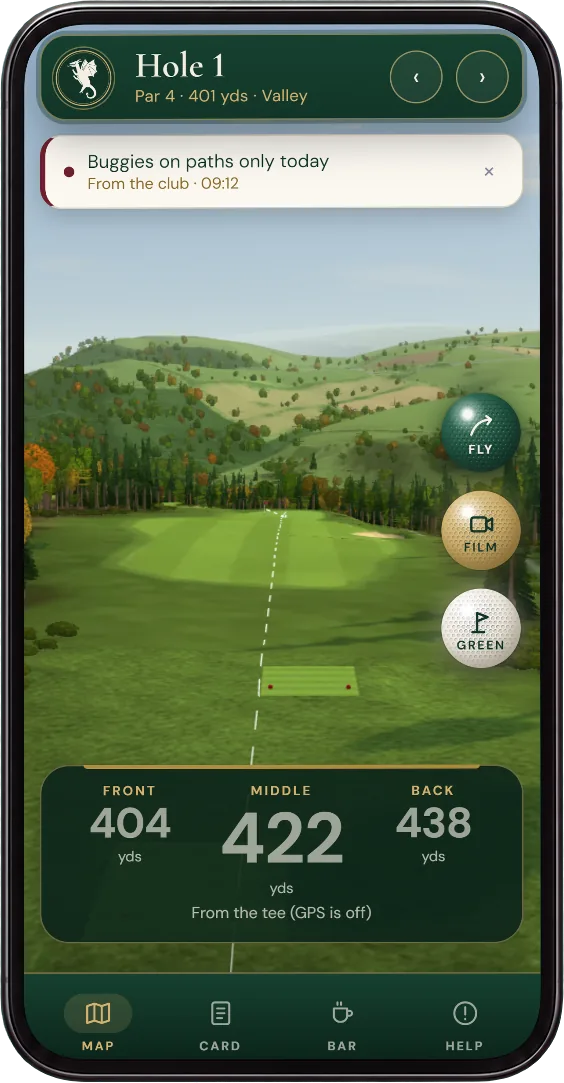
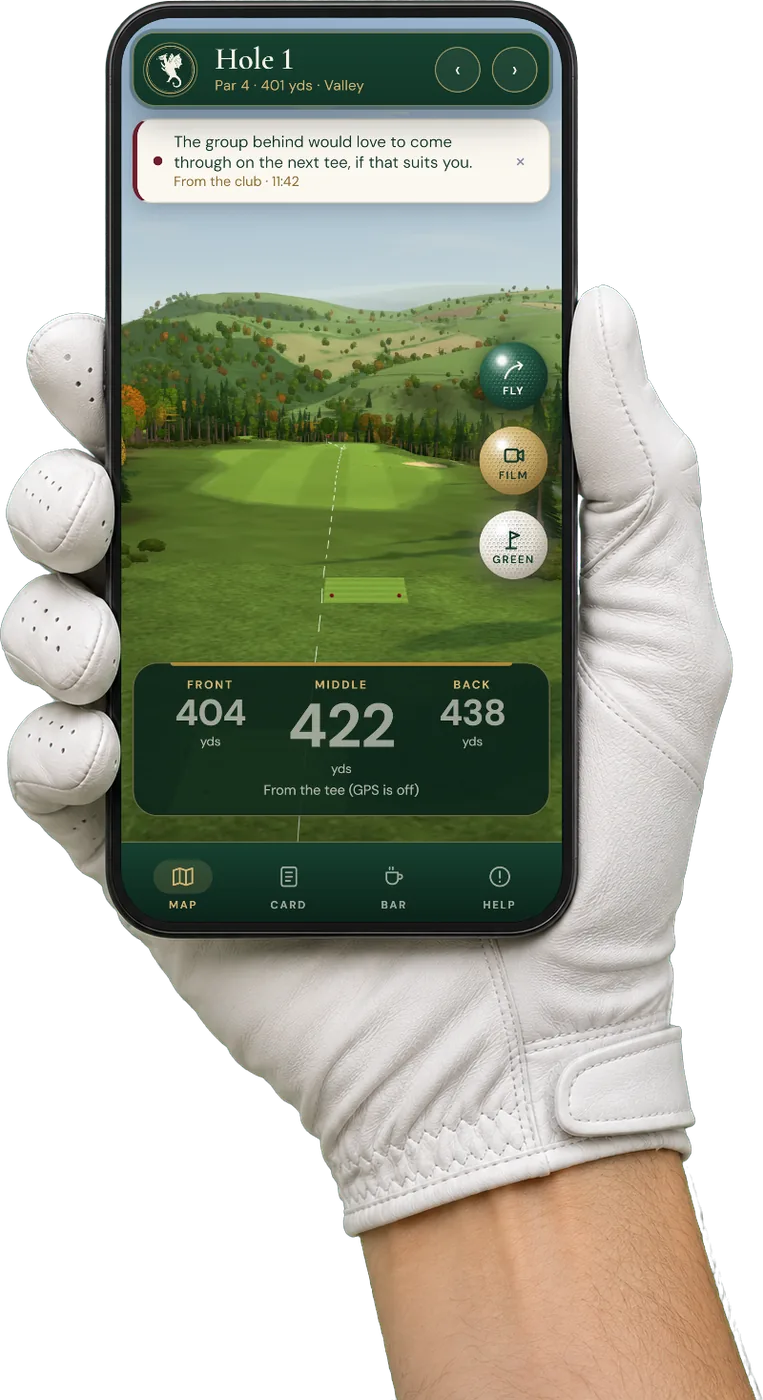
The yards to the front, middle and back of the green, from exactly where you're standing.
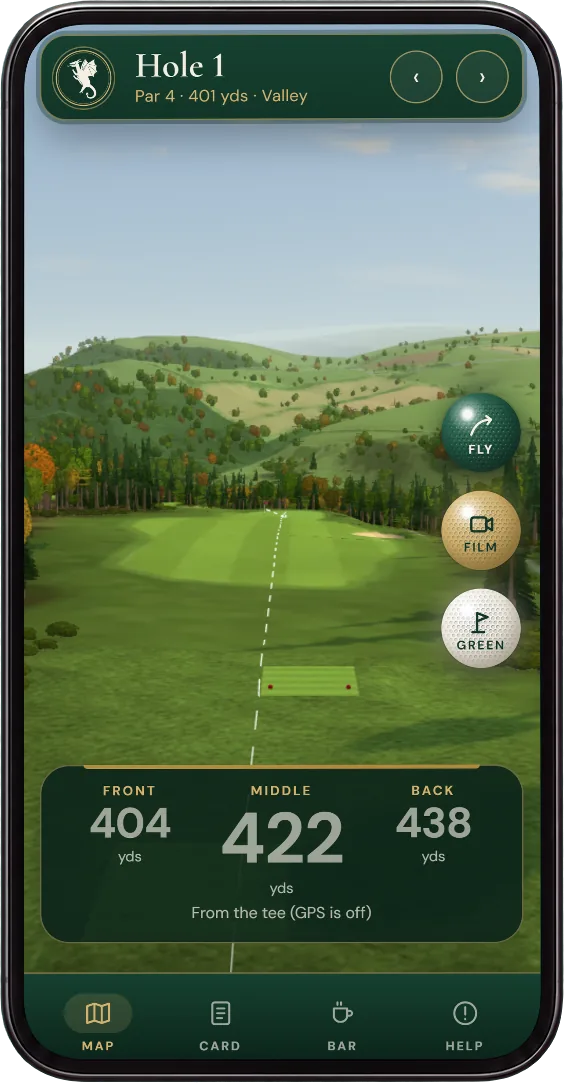
Tap Fly and the map flies you down the hole in 3D before you hit: where the trouble is, where the green sits.
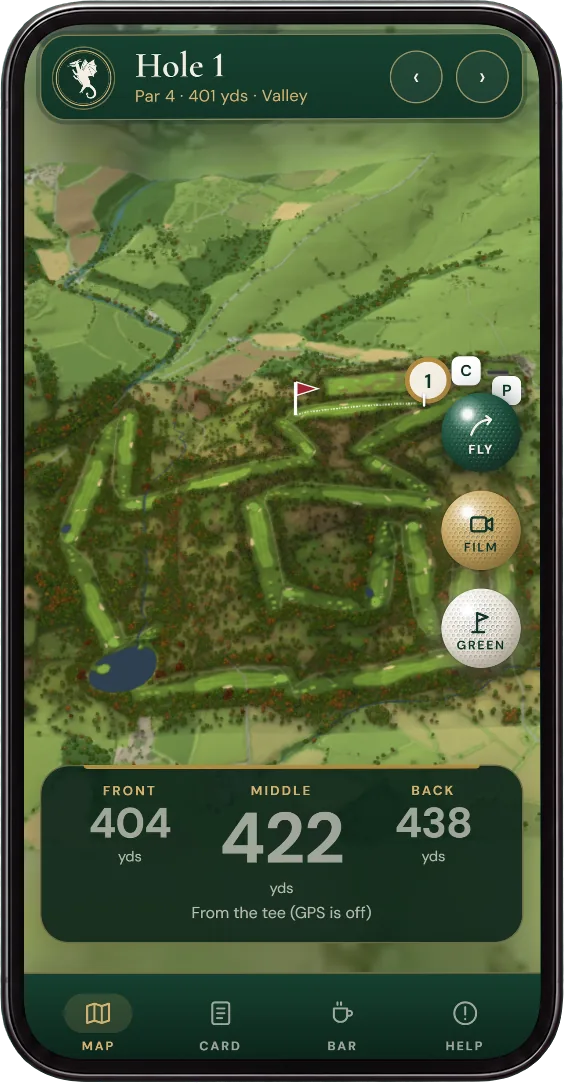
Put it in your pocket, take a call, open another app. Your round is still there when you take it out.
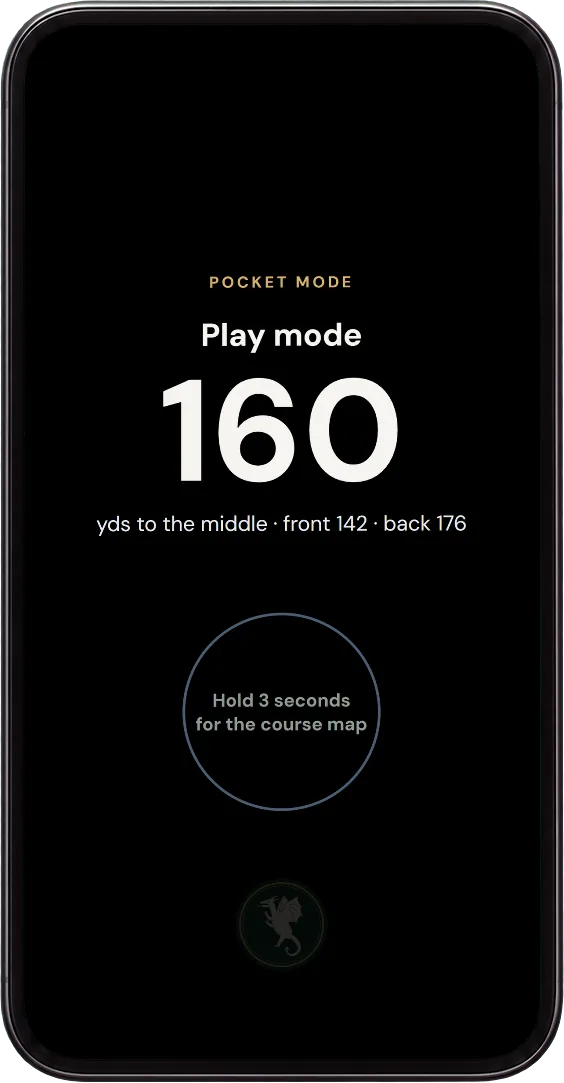
If something goes wrong out there, SOS tells the clubhouse exactly where you are on the course.
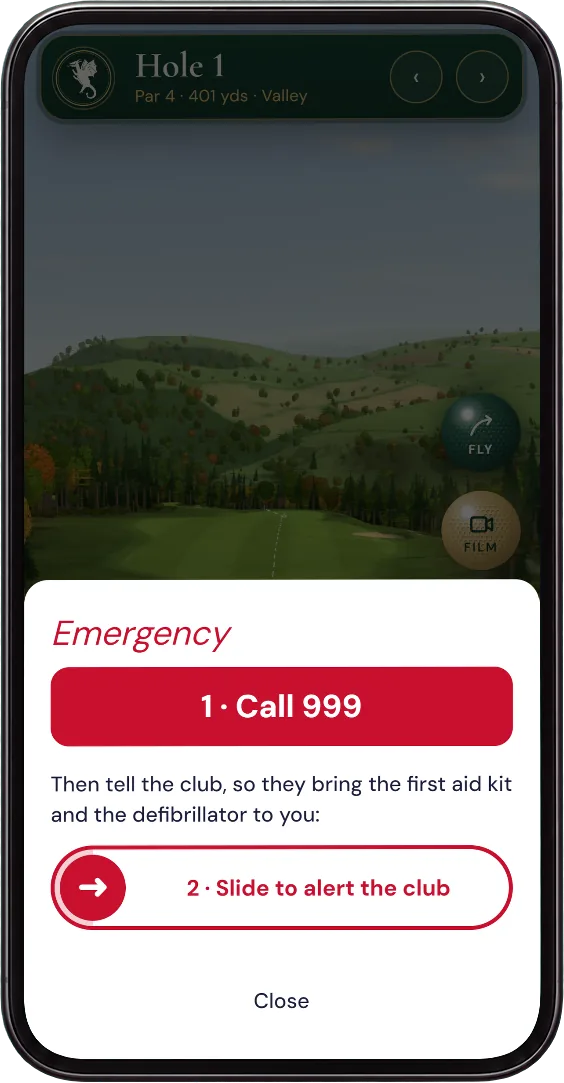
When the club sends a note, it shows softly at the top of the map. Tap the cross to hide it.
After the round: holes, steps, miles, your best hole and longest shot, and a film of your round to share.
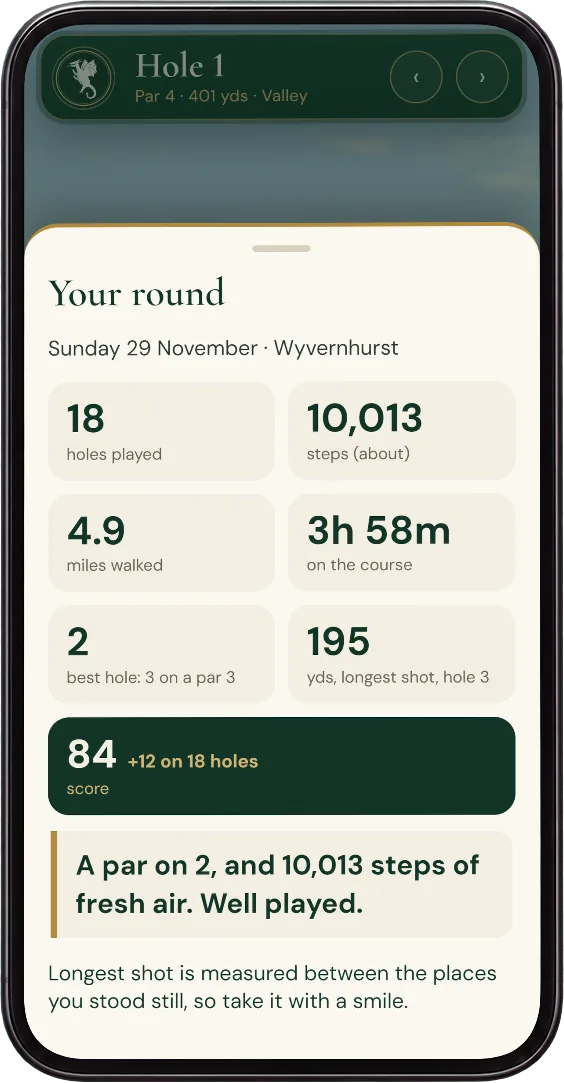
One tap puts the course on the home screen. Next time, it opens straight to the map.
Built from survey data on the real ground: every tee, tree, bunker and green, the same on the phone, the TV and the office screen.
From the bar, to the buggy Live
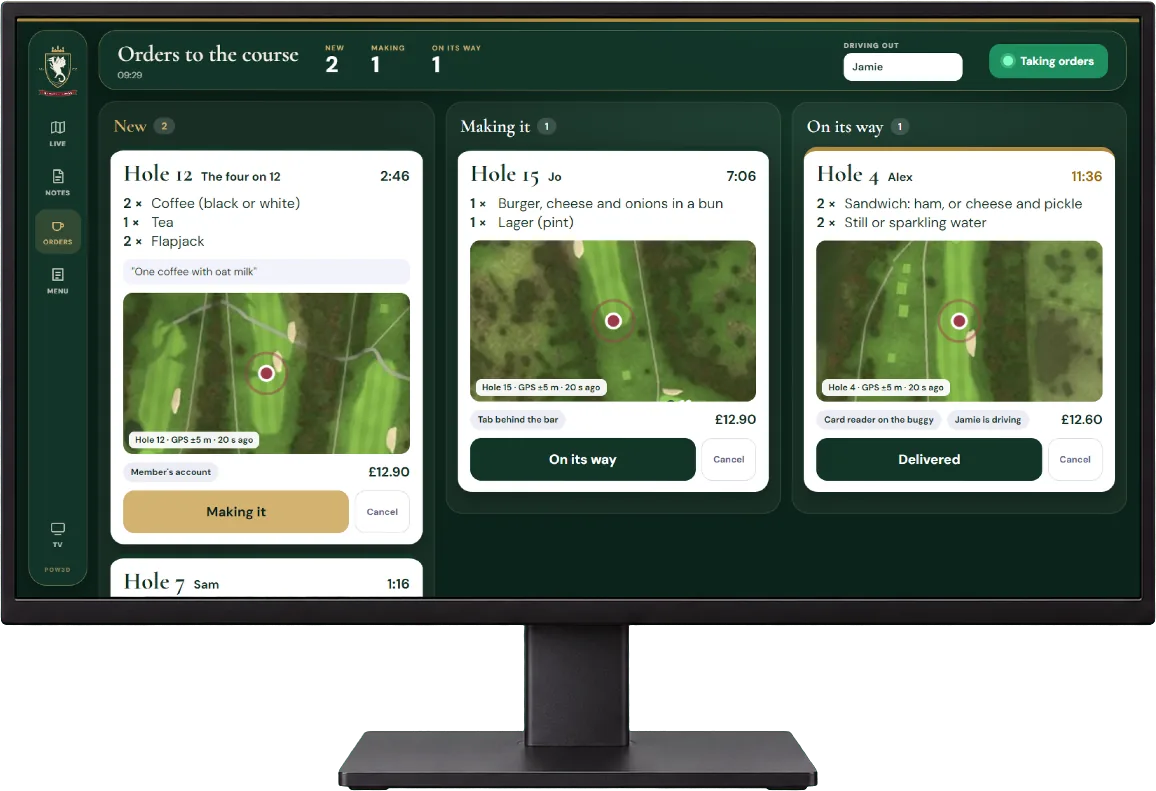
Open the bar tab on the map, pick a coffee, a pint, a burger or a sandwich, and carry on playing. The bar sees which hole you're on and drives it out to you.
Pay on the buggy's card reader, on a member's account or on the bar tab. No payment in the app, nothing to sign up for.
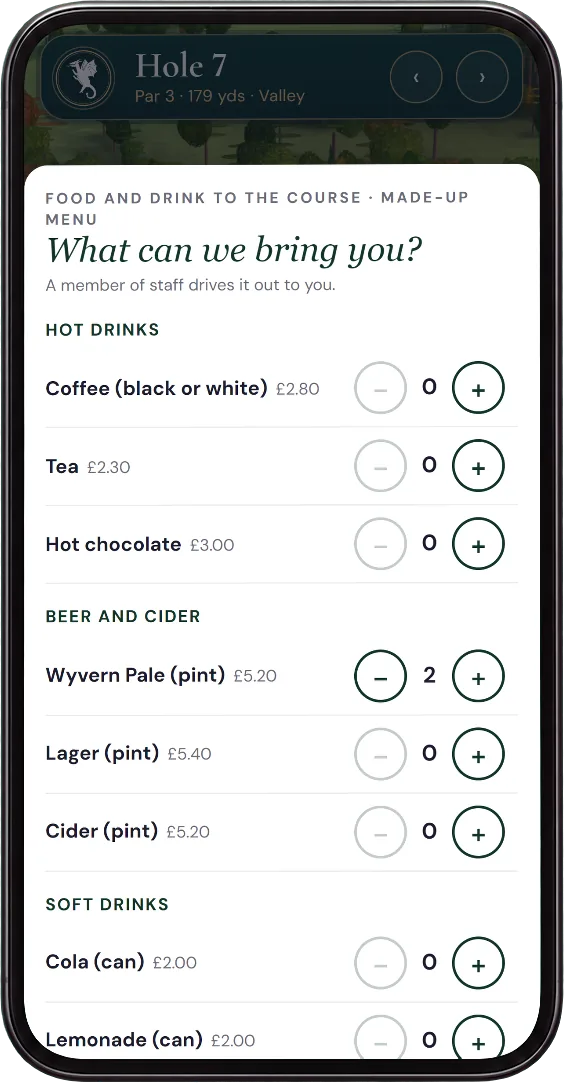
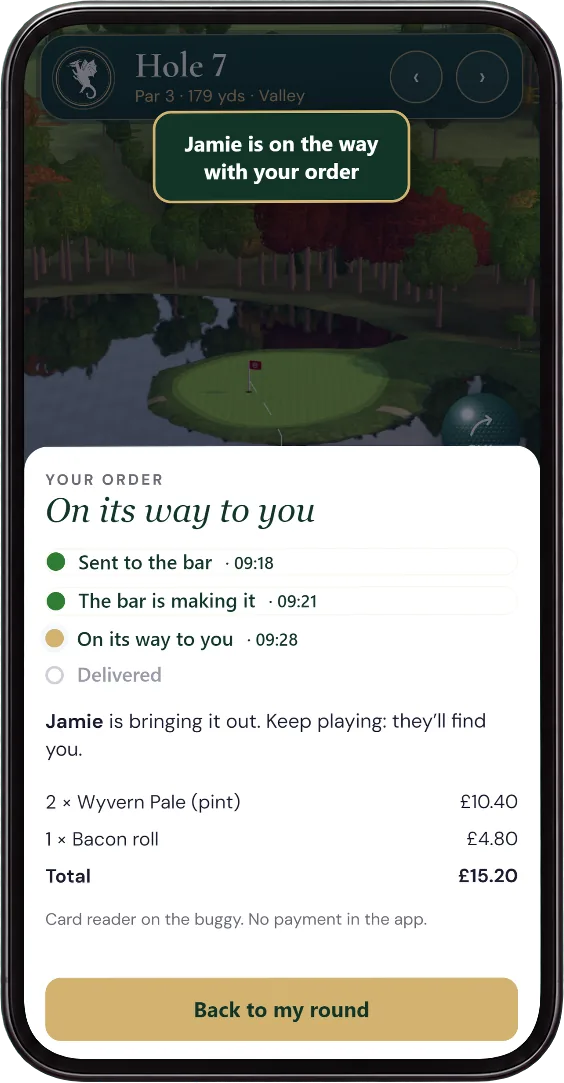 Made-up menu, real feature
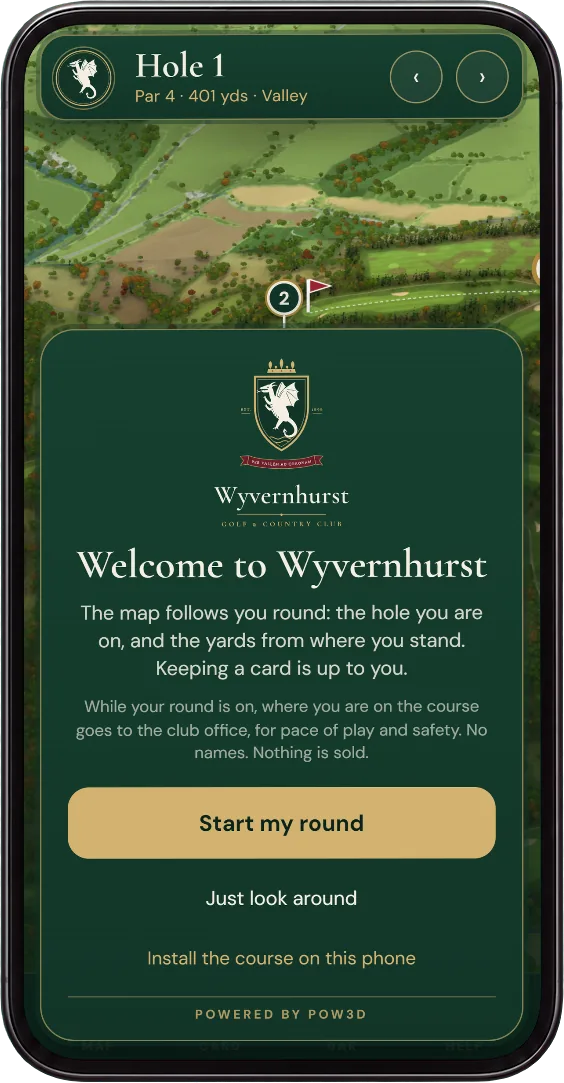
The map opens as your club, not as us: your crest, your name and your welcome, in your colours on every phone on the course.

Per vallem ad coronam · Est. 1898
Powered by 
Drag across. Same map, same course: on the left as it comes, on the right in the club's dress.
Wyvernhurst Golf & Country Club is our demo club: the course, crest and story are made up, the map and screens are real.
Try it now
Point your phone's camera at the code. The demo course opens straight in the browser: no app, no sign-up. Pick a hole, fly it, open the card.
Open the demo hereOn the demo the map can't follow you round, because you're not on the course. On your course, it does.


Powered by 
From the office you can just look: every group that's out, the hole they're on, and how they're doing against a steady round. One kind message to one group, or a note to everyone.
The course, live, from the office.
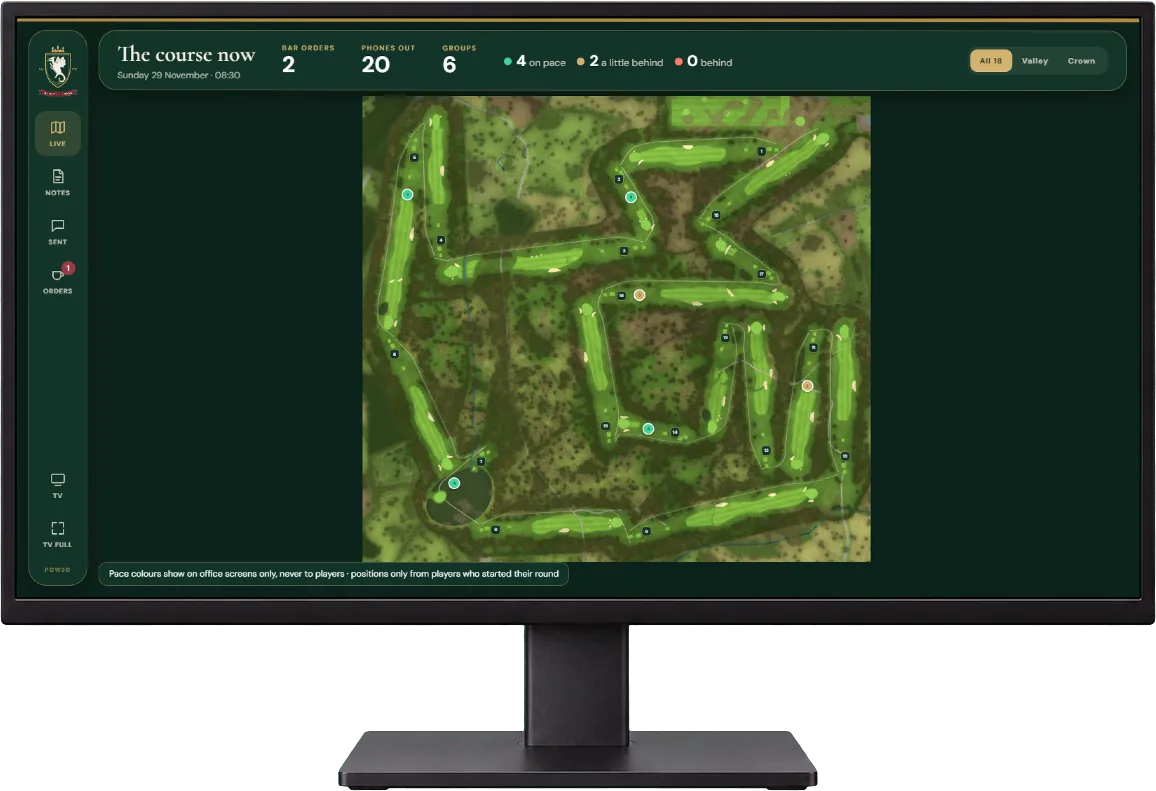
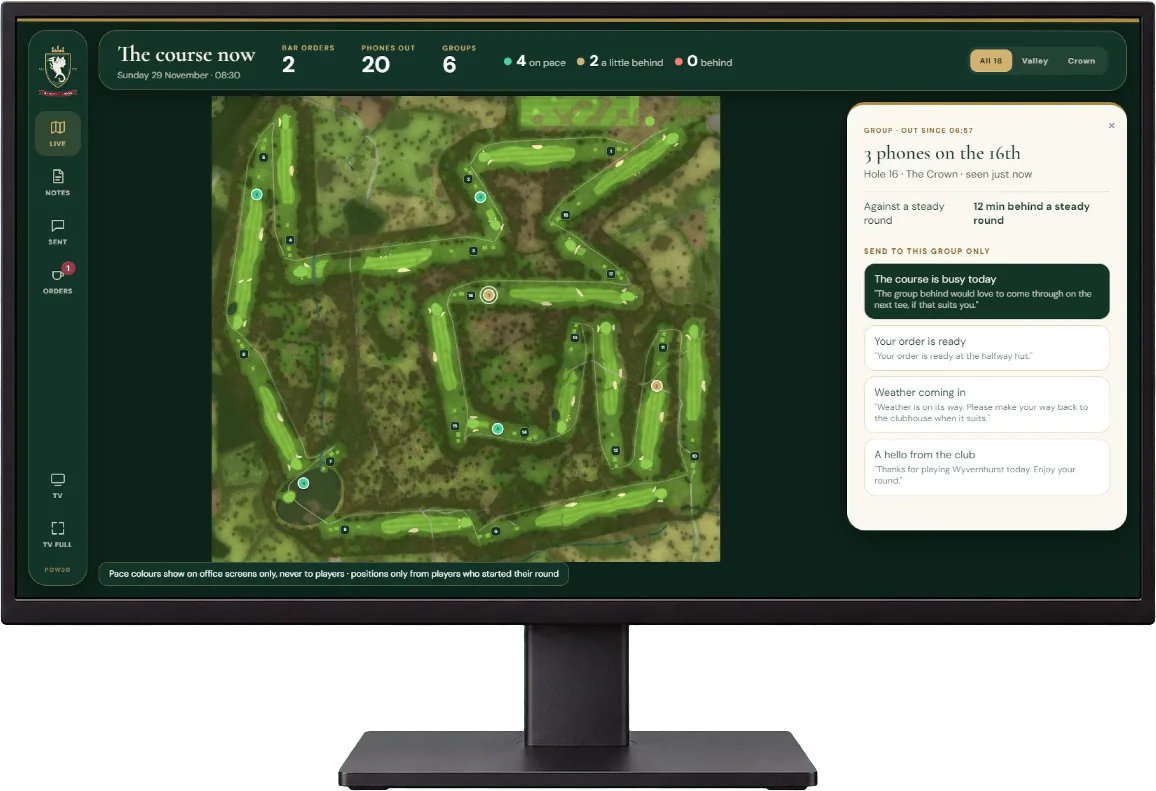
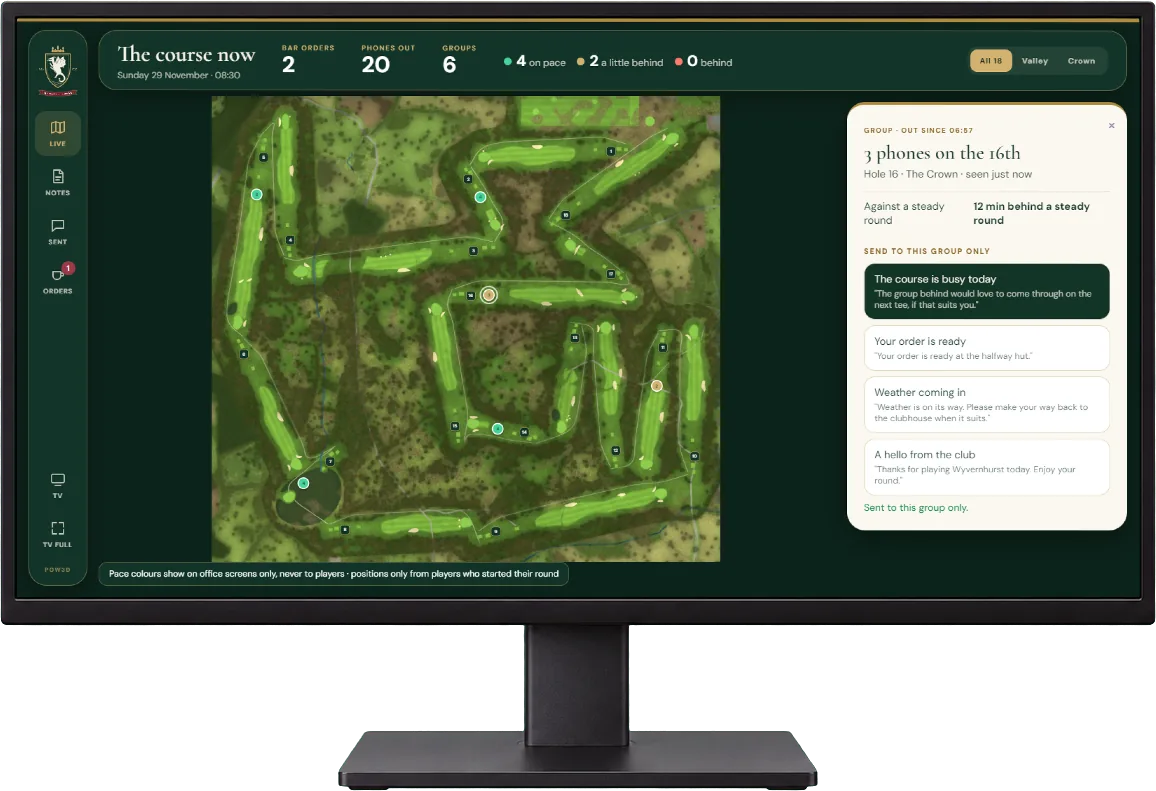
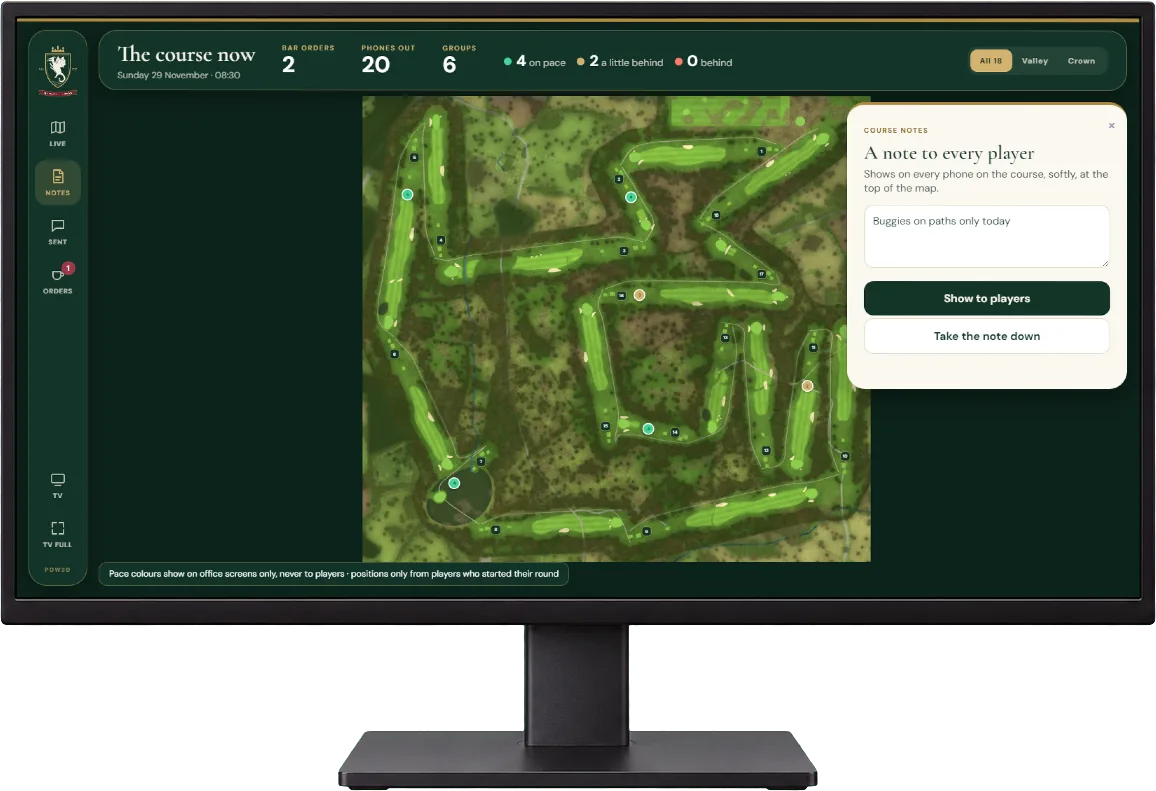
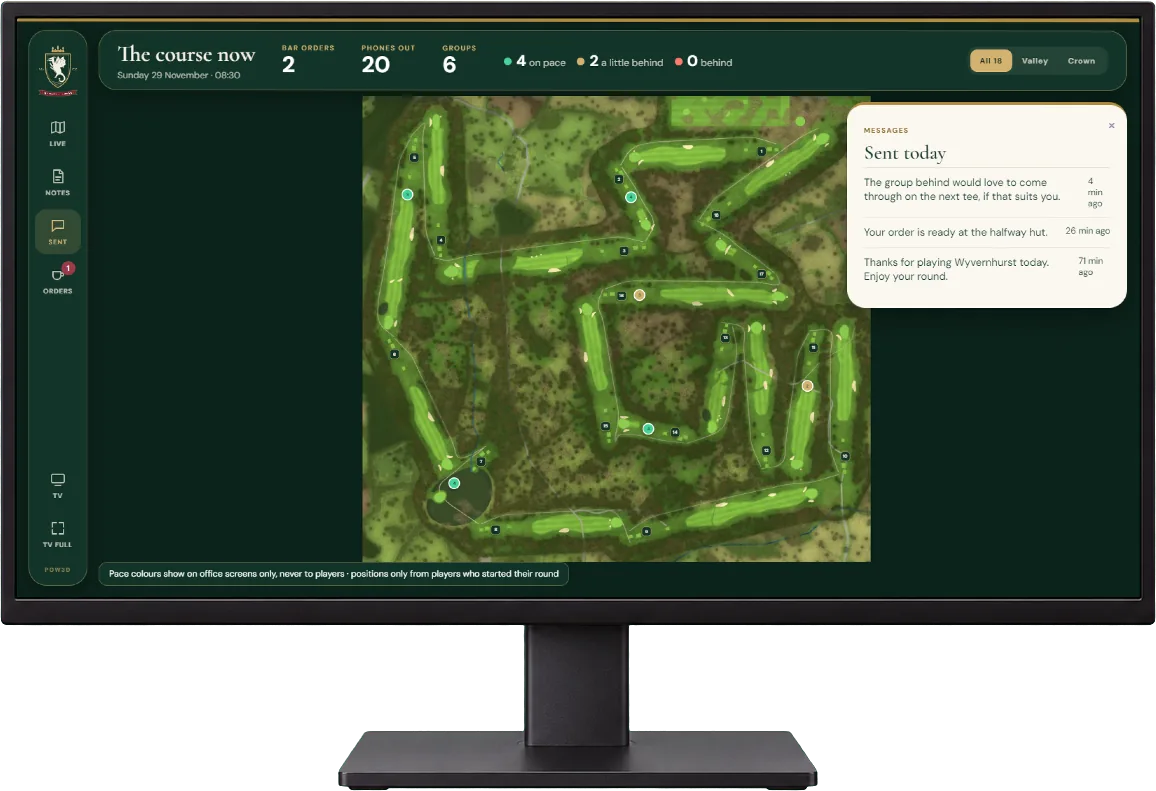
Every group out there, on one map. How many phones in each, the hole they're on, how long they've been out.
Green means on pace, amber a little behind. Only the office sees the colours, never the players.
Hole flyovers on a loop on the clubhouse TV. Society or corporate day? Their name goes up in two taps, and the busy message switches itself off for them.
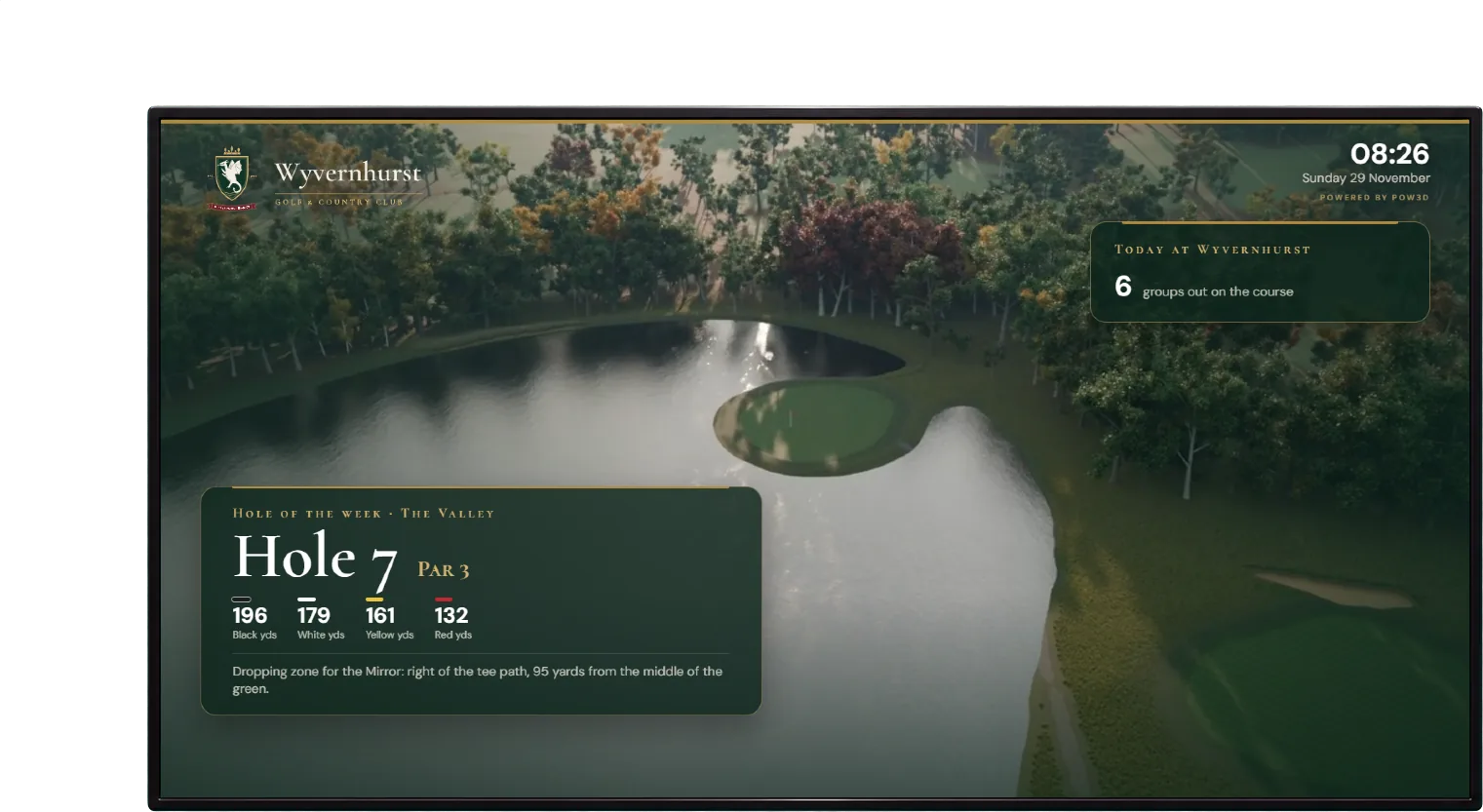
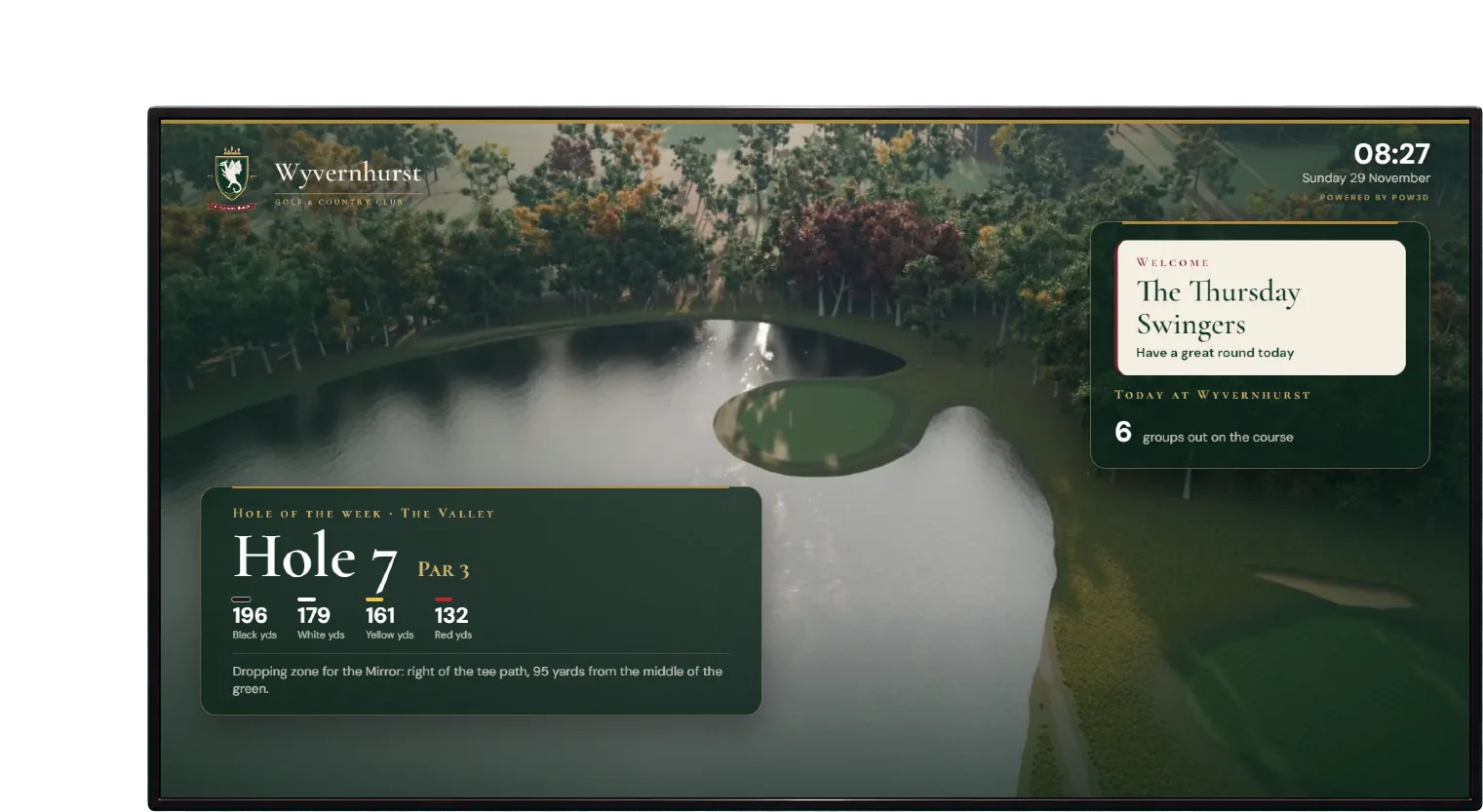
New course, thirty-six guests, one day to make an impression. Everyone gets yardages and a flyover of every hole, even if they've never played it.
Corporate days
Golf societiesYour club's name, who we should talk to, and which screens you're interested in.
We shape every hole in 3D on the real ground. You check each one, and we put right anything that's out.
Your crest, your colours, your welcome. A QR at the first tee, and your course on the clubhouse TV.
Notes, the busy message and the TV, all from the office. No app, no sign-up for your golfers.
See it on your course
Reply and we'll dress a hole of your course in your colours, and show you the office screen with your own course on it.
hello@summit3d.co.uk